

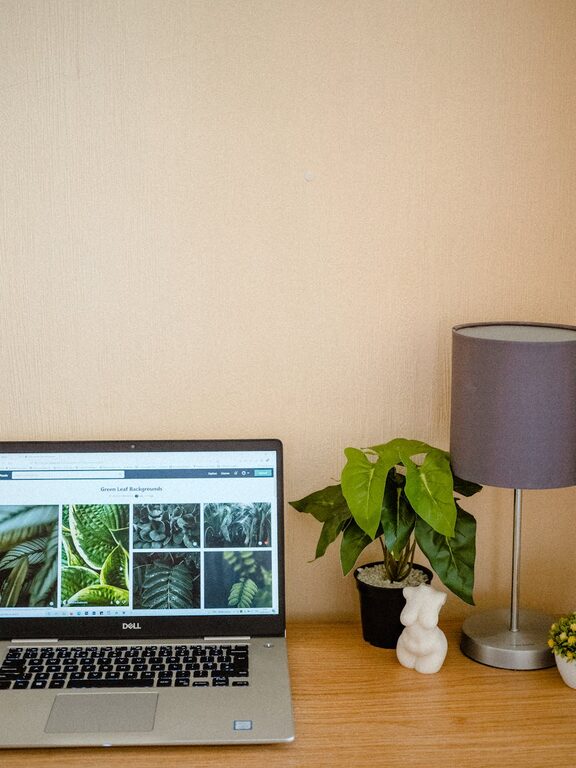
Creating a cozy and productive home workspace is essential for anyone who works from home or spends significant time on personal projects. A well-designed workspace can help you focus, stay motivated, and feel comfortable throughout the day. Whether you have a dedicated room or just a small corner, the right setup can make all the difference. Here are some helpful tips to create a home office that combines comfort and efficiency.
Choose the Right Location
Find a Quiet Spot
Select an area in your home that is free from distractions and noise. Ideally, this should be a space with minimal foot traffic and interruptions, allowing you to concentrate on your work.
Consider Natural Light
Daylight is known to boost mood and energy. Position your desk near a window if possible, so you can enjoy natural light without glare on your computer screen.
Assess Available Space
Even a small nook can become a functional workspace. Make sure you have enough room for your desk, chair, and any essential tools or materials.
Invest in Comfortable and Functional Furniture
Choose an Ergonomic Chair
Comfort is key when spending long hours at your desk. An ergonomic chair supports proper posture, reducing back and neck strain.
Select a Suitable Desk
Pick a desk with enough surface area for your computer, notebooks, and other work essentials. Adjustable desks that allow you to alternate between sitting and standing are a great option for health and comfort.
Add Storage Solutions
Keep your workspace tidy by using shelves, drawers, or organizers. Decluttering your desk can help clear your mind and improve focus.
Personalize Your Workspace
Use Soothing Colors
Colors can influence your mood and productivity. Soft shades like blues, greens, or neutrals create a calming atmosphere, while brighter colors can energize you.
Decorate with Plants
Indoor plants add a touch of nature and improve air quality. Even a small succulent can brighten your desk and provide visual relief.
Include Personal Touches
Incorporate artwork, photos, or items that inspire you. Personal touches make your workspace feel welcoming and motivate you to spend time there.
Optimize Lighting
Layer Your Lighting
Combine natural light with also good artificial lighting. Use a desk lamp with adjustable brightness to reduce eye strain, especially during evenings.
Avoid Glare
Position your light sources and computer screen to minimize glare. Proper lighting reduces fatigue and maintains productivity.
Manage Noise and Distractions
Use Noise-Cancelling Tools
If noise is unavoidable, consider noise-cancelling headphones or white noise machines to help maintain your focus.
Set Boundaries
Let household members know your working hours to minimize interruptions. Use visual cues like a closed door or a sign to indicate when you shouldn’t be disturbed.
Organize Your Workflow
Keep Essential Supplies Close
Store frequently used items within arm’s reach. This saves time looking for pens, notebooks, or tech accessories.
Use Digital Tools
Leverage task management apps, digital calendars, or note-taking software to keep your projects on track.
Plan Breaks
Schedule short breaks to stretch, hydrate, or walk. Regular breaks boost creativity and prevent burnout.
Maintain Your Workspace
Clean Regularly
A clean and clutter-free desk can improve your mindset and productivity. Dedicate a few minutes at the end of each day to tidy up.
Update as Needed
Revise your setup if you find something isn’t working — whether that’s upgrading your chair, changing the lighting, or reorganizing storage.
Final Thoughts
Designing a home workspace that feels cozy and supports productivity doesn’t require a lot of space or money. Prioritize comfort, organization, and personal touches to craft an environment that makes working at home enjoyable and efficient. By implementing these tips, you’ll create a space that helps you stay focused and inspired every day.